



How many times has this happened to you: a customer messages you on WhatsApp at 9 PM asking "do you still have the red one in size M?" and you, half asleep, answer the next day only to find out they already bought somewhere else? If you sell in LATAM and you're still not closing WhatsApp sales seriously, you're leaving money on the table every single day. This isn't opinion, it's math: more than 90% of connected adults in countries like Mexico, Colombia, the Dominican Republic, Peru, and Argentina open WhatsApp several times a day. Your physical store can close at 8 PM. WhatsApp never closes.
This guide is for taking you from "I sell once in a while through chat" to having a real process that brings in orders every day.
Why WhatsApp became the favorite sales channel in LATAM
The Latin American buyer is already there (and doesn't want to leave the app)
The LATAM buyer distrusts paying online to a site they don't know. They're uncomfortable filling out long forms. They don't want to download yet another app. But WhatsApp is already open, they already use it to talk to their mom, their partner, and their boss. When you tell them "message me on WhatsApp and we'll close it there," you remove three barriers in one shot: trust, friction, and habit.
Add cash on delivery, which in many countries in the region drives more than 60% of online sales, and you understand why WhatsApp became the preferred channel to close.
What WhatsApp solves that other channels don't
An email takes hours to be opened. A phone call interrupts. An online store without chat feels cold. WhatsApp gives you:
- Immediate response, with a human tone
- The ability to send a photo, audio, or video of the product in seconds
- Two-way confirmation ("your package shipped, here's the tracking number")
- Zero cost per message
No other channel combines those four things at the same time.
Before you sell: what you need to have ready
Before putting "WhatsApp: 555..." in your Instagram stories, get this sorted. Otherwise, you'll tie yourself in knots within a week.
WhatsApp Business vs. regular WhatsApp: which one fits you
If you're serious, use WhatsApp Business. It's free, it downloads separately, and it gives you tools the regular one doesn't have: catalog, customer labels, quick replies, automatic welcome message, and a business profile with hours, address, and website. Regular WhatsApp is for your cousin, not for selling.
Important: do NOT install both with the same number. Decide which one you use for the business and stick with it.
Your product catalog properly built
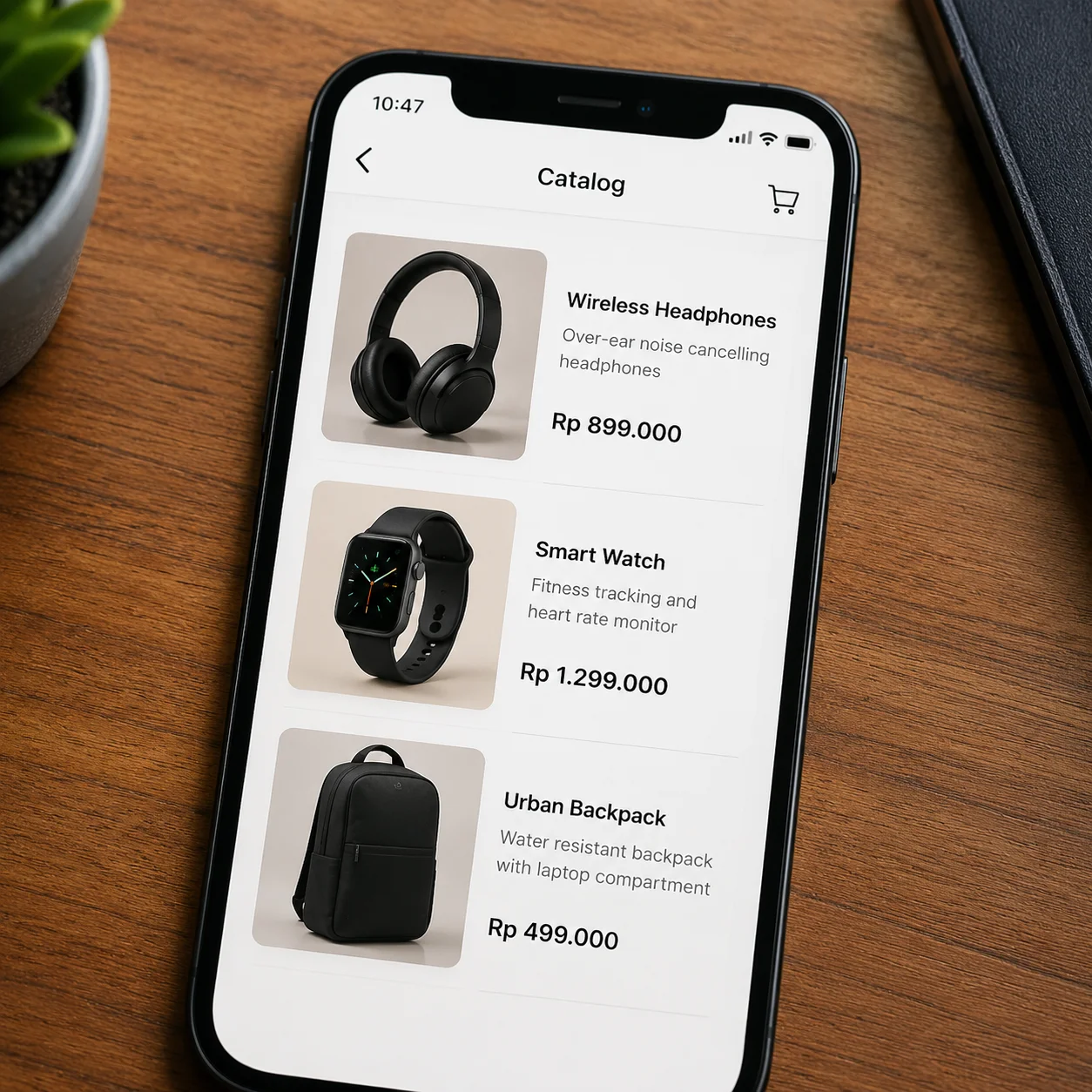
The WhatsApp Business catalog works, but it has limits: it doesn't handle complex variants (size + color), it doesn't calculate shipping, it doesn't process payment. To start, it's enough. The minimum each product should have:
- Square photo, good light, clean background
- Clear name (not "Model XJ-42," but "White linen short-sleeve shirt")
- Real price, with the currency
- 2 to 3 line description
- Direct link if you have an online store
Defined payment and delivery methods
Before the first sale you need to know exactly:
- Which payment methods you accept (transfer, cash on delivery, payment link)
- How much you charge for shipping by zone
- What hours you ship
- Exchange and return policy
If you improvise this in the middle of a conversation, you're going to lose the order or give away margin.
Step by step for your first WhatsApp sale
Step 1: set up your business profile
Profile photo with your logo (not a selfie). Business name. Correct category. One-line description that says what you sell and to whom. Visible business hours. Address if you have a storefront. Website if you have an online store. This shows up before the customer messages you and decides whether they trust you.
Step 2: build your catalog with real photos and prices
Load between 8 and 20 products to start. More than that overwhelms. Less than that looks empty. Use the same photo style across all of them: same light, same background, same proportion. A coherent catalog sells more than a huge messy one.
Step 3: create quick replies for frequently asked questions
WhatsApp Business lets you save replies with a shortcut (you type /price and the full message appears). Create at least these:
/price— list with prices or link to the catalog/shipping— costs and times by zone/payment— accepted methods and transfer details/hours— when you reply and when you ship/size— size guide if you sell clothing
It saves you hours and makes you look professional.
Step 4: define your closing flow (from question to payment)
This is where most people fail. Your flow needs to be clear and always the same:
- Greet and answer the specific question
- Send photo + price + availability
- Ask for address and payment method
- Confirm total with shipping included
- Send payment details or schedule the cash on delivery
- When you receive the proof of payment (or confirm COD), give the order number
Don't improvise. Write it down in a document and follow it the same way with every customer.
Step 5: confirm the order and coordinate delivery
Once closed, send a summary message: product, quantity, address, total, estimated date. That message gives the customer peace of mind and serves as your backup if there's a complaint. When you ship, send a photo of the package and the tracking number.
How to attract customers to your WhatsApp without overspending
The direct wa.me link and where to paste it
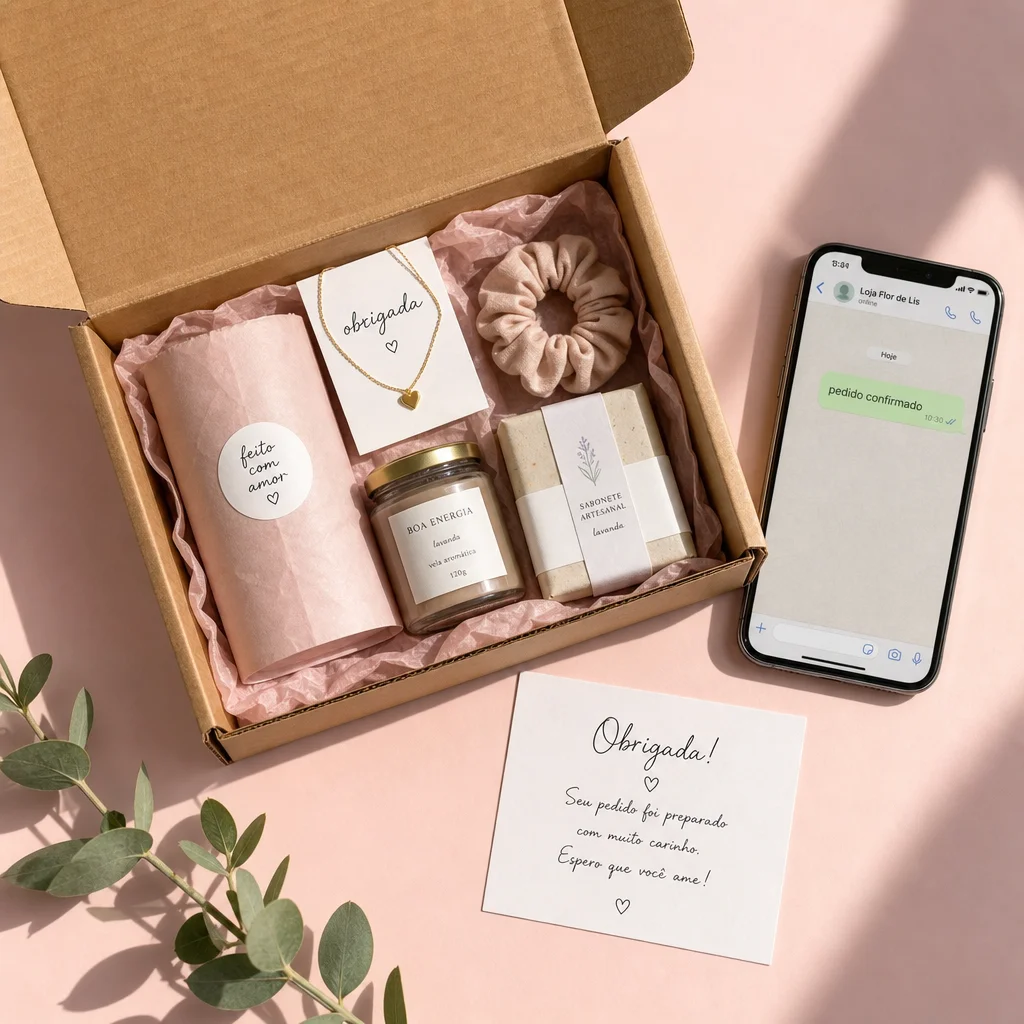
Build your link like this: https://wa.me/YOURNUMBER?text=Hi%20I%20want%20info. The number goes with the country code, no symbols or spaces. You paste that link in:
- Instagram and TikTok bio
- Main button on your website
- Email signature
- Physical cards with a QR code that opens the link
- Packaging of your products (for repurchase)
Meta ads with a "Send message" button
Click-to-WhatsApp ads usually have a lower cost per conversation than ads that send to a form. Start with $5 a day, a single creative, and measure how many chats turn into sales. If out of every 10 chats you close 3, you already have a scalable channel.
WhatsApp statuses: the storefront many people ignore
Your statuses are only seen by your contacts, but those contacts already have you saved: they're the warmest. Post one product status a day, with the price and a "message me to reserve it." It's the equivalent of having a window display in front of your best prospects' phones every 24 hours. Free.
Common mistakes that kill WhatsApp sales
Taking more than 30 minutes to reply
The Latin American customer asking on WhatsApp is comparing you with two others at that same moment. If you take an hour, they already bought. If you can't reply quickly, set up an automatic message that states real hours and stick to it.
Selling only through chat without a real checkout
Closing everything in chat works with 5 orders a day. With 30, you drown. You're going to lose orders, mix up addresses, double-charge. Chat is for closing, not for processing.
Having no order or stock record
If your only record is the WhatsApp history, you're one broken phone away from losing the business. You need a central place where you log: order, customer, address, total, payment status, shipping status.
Mixing your personal WhatsApp with the business one
When your mom messages you between two customers, you get distracted. When a customer sees your weekend status, brand perception drops. Separate them. Period.
When WhatsApp alone falls short

Signs you need a connected online store
When you see any of these, you've already passed the "WhatsApp only" limit:
- You receive more than 20 sales messages a day
- You make a mistake with addresses or totals once a week
- You want to run ads and measure real conversion, not just "chats started"
- You sell products with variants (size, color, flavor) and it becomes chaos through chat
- You have quantity offers or bundles and charging them correctly gets complicated
How to combine WhatsApp + store without losing the personal touch
The formula that works best in LATAM: online store with one-step checkout, active cash on delivery, abandoned cart recovery, and a floating WhatsApp button for questions. The customer decides: if they trust, they pay directly in the store; if they need to ask, they message you. You close from both sides.
Platforms like Whatalo were born for exactly this scenario: a checkout designed for the Latin American buyer, native COD, order bumps, quantity offers, visual Page Builder, and zero commission per sale. Your WhatsApp stays for what it does best —closing and giving confidence— and the store absorbs the volume.
Real case: from 10 to 80 orders per month with the same number
What changed in the process
A hair products seller in Santo Domingo was closing about 10 orders a month through WhatsApp alone. She was spending 14 hours a day answering the same things. She made three changes:
- Switched to WhatsApp Business with a catalog and 7 saved quick replies
- Opened an online store with one-step checkout and COD
- Put the store link in the automatic welcome message and left WhatsApp only for real questions
The numbers before and after
Before: 10 orders/month, average ticket $25, 14 hours/day on the phone. After (90 days): 80 orders/month, average ticket $34 (thanks to order bumps), 5 hours/day on the phone.
She didn't sell more because she invented anything new. She sold more because she pulled the tasks the chat shouldn't be doing out of the chat.
This is NOT for you if you're still validating your product and you make fewer than 5 sales a month: at that stage, stay on WhatsApp only, learn to sell, and when volume demands structure, scale.
Next step: professionalize your operation
WhatsApp is the best entry door to sell in LATAM. But the door isn't the house. When you start receiving steady orders, you need an operation that holds up: a real catalog, a checkout that charges on its own, automatic records, recovery of those who don't complete. That's what separates the hobby seller from the one who has a business.
Ready to open your store? Start free at whatalo.com