



How many times have you heard someone say "I'm going to open my online store" and six months later the store is still a WhatsApp group with blurry photos? Too many. The problem is almost never the platform, the logo, or the name. The problem is that people start from the end: they pick a theme, upload 80 products, spend on ads, and only then discover that nobody wanted to buy that stuff. This post is going to sort out your thinking so your store is born selling, not decorating.
Before touching a single platform: define what you're going to sell
Your store is not the platform. Your store is the product. If the product doesn't solve something concrete or doesn't create desire, no pretty checkout is going to save you.
Before registering domains, ask yourself three things: who buys it? how often do they buy it? why would they buy it from you instead of the supermarket on the corner?
If you can't answer those three in one sentence each, you're not ready to open a store. You're ready to do research.
How to validate a product without spending on inventory
Don't buy stock to validate. Validate, then buy.
Three cheap ways:
- Pre-sale: build a simple landing page with the product, price, and a buy button with cash on delivery. If in one week with 50 USD of ads you get 10 real orders, you have a signal.
- WhatsApp test: post the product in your status and in relevant groups for 5 days. Count how many people ask for the price without you pushing.
- Mirror marketplace: list the product on a local marketplace with low declared stock. Measure how many visits and messages you get in 72 hours.
If nobody asks you anything in a week, the problem isn't the price. It's the product.
Signs your niche is saturated (and what to do)
Saturation isn't that competitors exist. Saturation is that everyone sells the same thing, at the same price, with the same photos from the Chinese supplier. If your search on social media shows 30 accounts identical to yours, don't compete on price. Compete on something else: longer warranty, WhatsApp support in under 5 minutes, packaging with your brand, instructional video included. Operational differentiation, not aesthetic.
The 7 steps to launch your online store this week
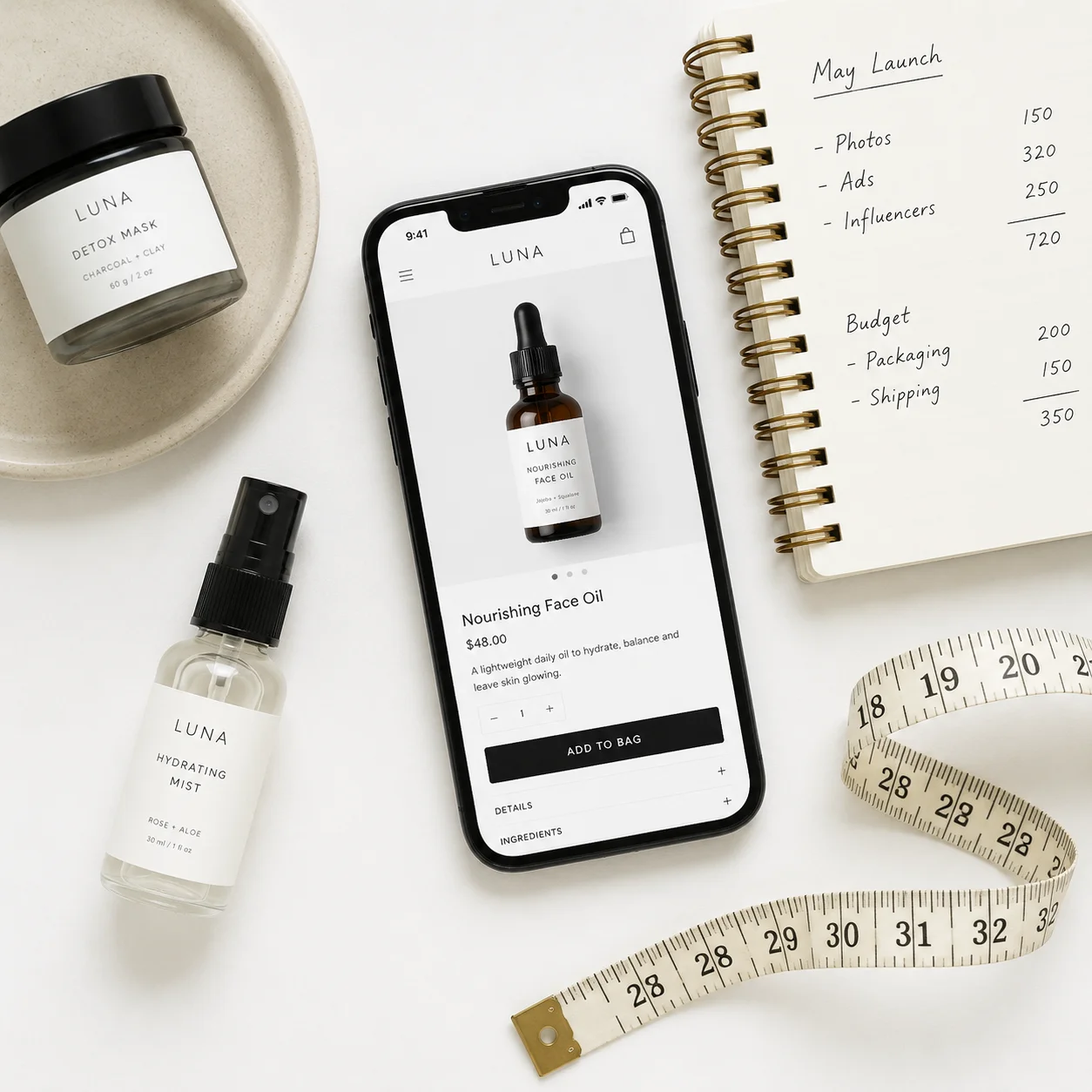
One week is enough if you stop procrastinating on the design.
Step 1: pick a product with real margin (minimum 3x cost)
If your product costs you 10 USD landed at your home, your selling price has to be at least 30 USD. Why? Because between ads, packaging, shipping, returns, and payment fees, more goes out than you think. With less than 3x margin, you sell and lose money. Selling at a loss isn't a business, it's an expensive hobby.
Step 2: register your brand and your own domain
Your own domain, always. No free subdomains. A customer who sees store.something-free.com distrusts you before they even scroll. Buy the .com or your country's local domain. It costs less than 15 USD a year and it's the first thing that validates that you're serious.
Step 3: build your catalog with photos that sell
Five well-photographed products sell more than fifty badly photographed ones. Minimum per product:
- 1 photo on a white background
- 1 photo in real use (someone using it)
- 1 detail or texture shot
- 1 short 10-15 second video
If you sell clothing, use a real model. If you sell electronics, show size scale with a hand. If you sell food, close-up with good natural light. Forget the professional studio in the first month: a modern phone near a window already does the job.
Step 4: set up cash on delivery and digital payment methods
In Latin America, cash on delivery is still king in many countries. Always offer it, but pair it with digital methods: card, bank transfer, and local wallets. A store with cards only leaves 40% of the market out. A store with COD only has high rejection rates. The combination wins.
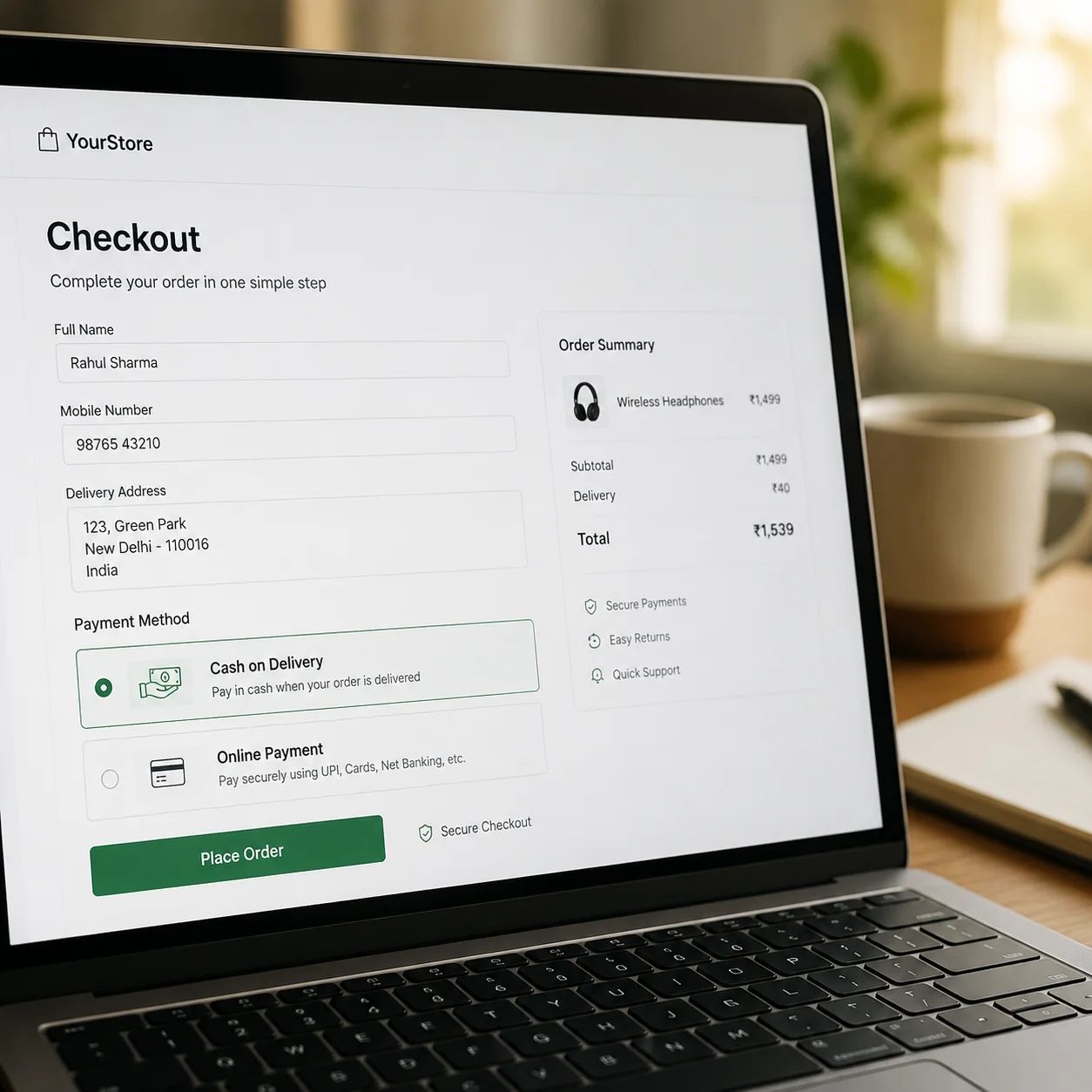
Step 5: design a short checkout (1 step, not 4)
Every extra field in the checkout costs you sales. Don't ask for date of birth, don't ask to confirm the password, don't require account creation. Name, phone, address, payment method. Done. A 1-step checkout converts up to twice as much as a 4-step one. If your platform doesn't allow a short checkout, switch it.
Step 6: install Meta Pixel before spending a single dollar on ads
80% of entrepreneurs skip this step and then cry about it. Without the Pixel and the Conversions API, your ads are shooting blind. The Pixel learns who buys so it can show your ad to similar people. If you install it the day after you already spent 500 USD, you lost 500 USD of learning. Install it before the first ad. Same with the TikTok pixel if you're going to use that platform.
Step 7: prepare your shipping and returns logistics
Define three things before opening:
- Who handles shipping (you, a local courier, a national service)
- How much you charge for shipping (free over a certain amount always converts more)
- What happens if the customer doesn't want the product on arrival
A clear return policy written on the product page reduces buyer doubts. Uncertainty kills more sales than a high price.
Common mistakes that will cost you dearly
Opening a store without having sold a single unit first
If you never sold your product on WhatsApp, on Instagram, in person, you know nothing about your customer. Selling 10 units by hand teaches you more than a 6-hour course. Do that first.
Uploading 200 products on day 1
Less is more. Start with 5 to 15 products. When the first ones sell consistently, add more. Giant catalogs with 0 sales are cemeteries.
Ignoring the abandoned cart
70% of people who reach the checkout don't finish the purchase. If you don't have automatic cart recovery via WhatsApp, email, or SMS, you're leaving money on the table every day. This feature alone can recover between 10% and 25% of those carts.
Copying competitor prices without calculating costs
The competitor who sells for 5 USD less may have better logistics, a better supplier, or be losing money without knowing it. You don't know their cost structure. Calculate yours and set the price your business can handle. If the market won't pay it, the problem is the product or the offer, not the price.
Real case: from 0 to 180 orders in 60 days
Pet accessories store, one person running it, initial capital 800 USD.
The exact numbers: investment, ROAS, and average ticket
- Initial product investment: 350 USD (15 SKUs, 10 units each)
- Ad spend month 1: 280 USD
- Ad spend month 2: 450 USD
- Orders month 1: 42
- Orders month 2: 138
- Average ticket: 24 USD
- ROAS month 2: 3.4x
- Recovered abandoned cart rate: 18%
Total revenue in 60 days: roughly 4,320 USD. Net margin after costs, ads, and shipping: around 1,100 USD. Not millionaire money, but a real business that's just getting started.
What we did differently in month 2
Three concrete changes moved the needle:
- We activated order bumps at checkout (the customer buying a collar sees the leash with a discount). Average ticket went from 18 to 24 USD.
- We set up automatic WhatsApp cart recovery at 30 minutes. It rescued 25 orders in the month.
- We synced orders with Google Sheets so the logistics operator could see everything in real time without us sending screenshots.
None of those three changes cost extra money. Just configuration.
This is NOT for you if...
- You want "passive income" without working the first few weeks. An online store in the first 90 days is active work, not passive.
- You think your business problem is the logo or the button color. It isn't.
- You don't plan to measure anything. Without Pixel, without metrics, without an order dashboard, this turns into a lottery.
- You sell something illegal, regulated, or that requires a license you don't have. Solve that first, sell later.
Your first sale is closer than you think
You don't need an MBA, or 5,000 USD, or to wait for the "perfect moment". You need a product with margin, a working store, a Pixel installed, and the discipline not to quit at day 15. The first sale is the hardest. The tenth already feels different. The hundredth changes your life.
Start small, measure everything, improve every week.
Ready to open your store? Start free at whatalo.com